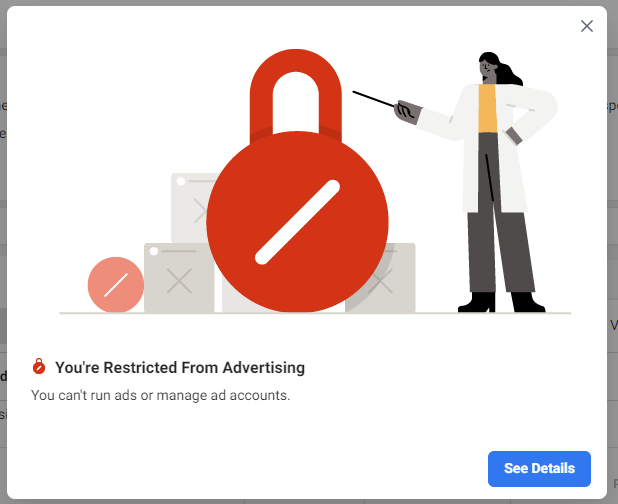
“Restricted from Advertising.” Perhaps the three most horrible words to see appear on your Facebook Business Manager screen.
Two-Step Authentication
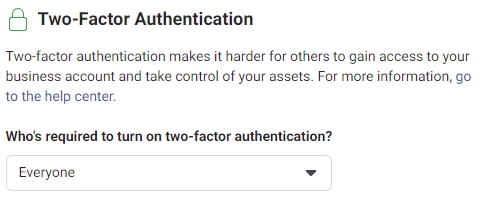
For some people the solution will be simple, very simple! Facebook requires that anyone involved in purchasing ads on its platform has Two-Step Authentication set-up. Two-factor authentication makes it harder for others to gain access to your business account and take control of your assets. If that’s the case, visit, Business.Facebook.com, and turn on two-factor authentication.
Primary Page & Business Information
Within the Facebook Business Manager, it is required that you set a Primary Page. Without a designated primary page, oftentimes advertisements will be declined. To set a Primary Page, visit Business.Facebook.com, and choose a Primary Page. Ideally this is your company page, or the main page for the specific Business Manager account.
While you’re in this section of Business Manager, take a moment to complete all the required information, including legal name of business, address, phone, and website. You will also see a notification to verify your business. Business Verification can only be enabled once two-step authentication has been set-up.

Adhere to Facebook Advertising Policies
Facebook and Instagram Advertising isn’t the Wild West! There are rules and limitations on what can be advertised on the channel. First and foremost, ads must not violate Facebook’s Community Standards. However, there are specific product types and business models that are not allowed to create and publish ads, including:
- illegal products/services
- discriminatory practices
- tobacco and related products
- drugs and drug-relatedc products
- weapons
- adult content
- multilevel marketing
- payday loans, pay check advances
- vaccine discouragement
In addition, Facebook includes a number of Restricted Content, including
- alcohol
- dating
- online gambling and gaming
- branded content
I would encourage everyone to make themselves (and their clients) familiar with the complete Facebook Advertising Policy.
Account Quality
Finally, you can always appeal Facebook’s decision! If the action to appeal the decision doesn’t pop-up immediately, you can click Account Quality.
Good luck! I hope this provides some solutions to your Facebook Ads Manager Restrictions!