When someone says, “How can I get on the map?” they’re usually asking how to make their business show up on Google Maps. You know those little red pins you see when searching for restaurants or stores? That’s what they’re talking about.
Being on Google Maps helps customers find you easily. Whether they are looking for a nearby coffee shop or a plumber, having your business on the map makes sure they see you first. It is a simple way to grow your business and connect with more people.
If you are a new business owner still figuring out Google and the internet, don’t worry! We are here to help you get started. The key is to create a Google Business Profile. It’s free, easy, and it helps customers find you online. Here’s how you can do it:
Steps to Create Your Google Business Profile
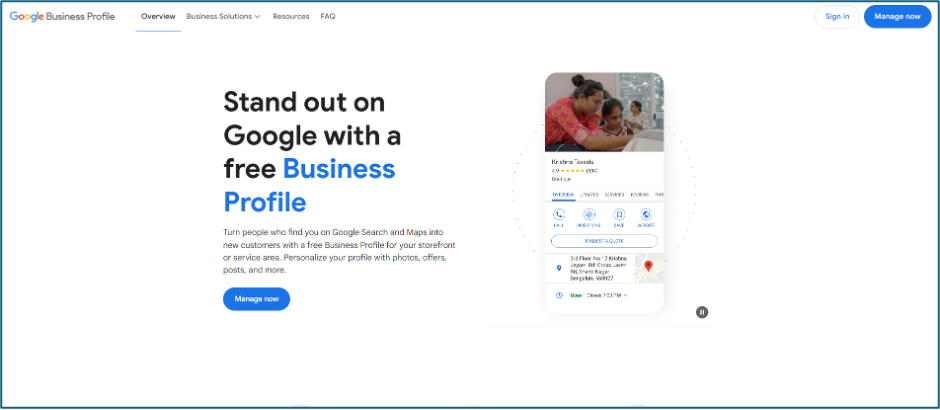
Go to Google Business Profile
Visit google.com/business and click on the “Manage Now” button.
Sign in with Your Google Account
Use an existing Gmail account or create a new one if you don’t have one. This account will be used to manage your business.
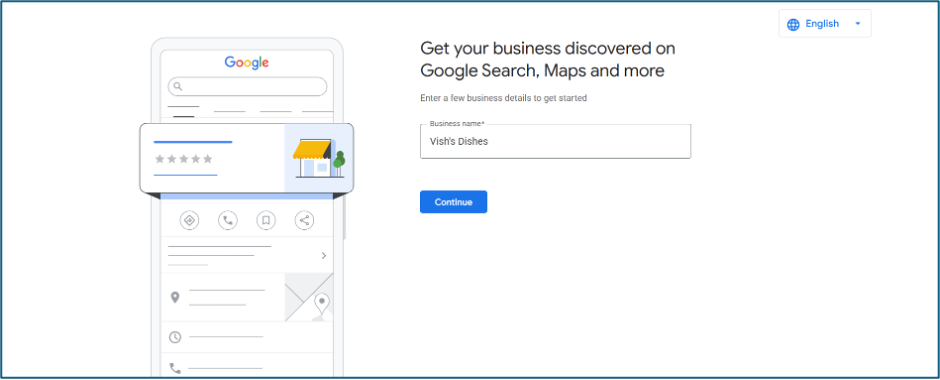
Add Your Business Name
Type the exact name of your business. Make sure it matches what customers know you by.
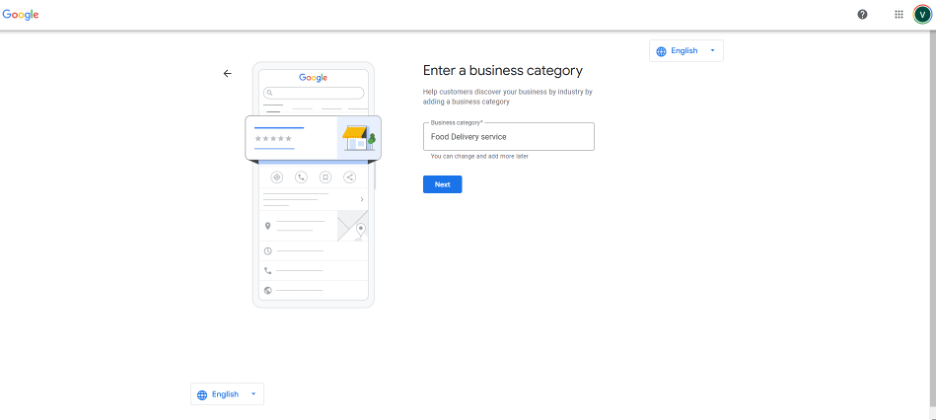
Choose Your Business Category
Pick a category that describes your business best, like “Restaurant,” “Boutique,” or “Dental Clinic.”
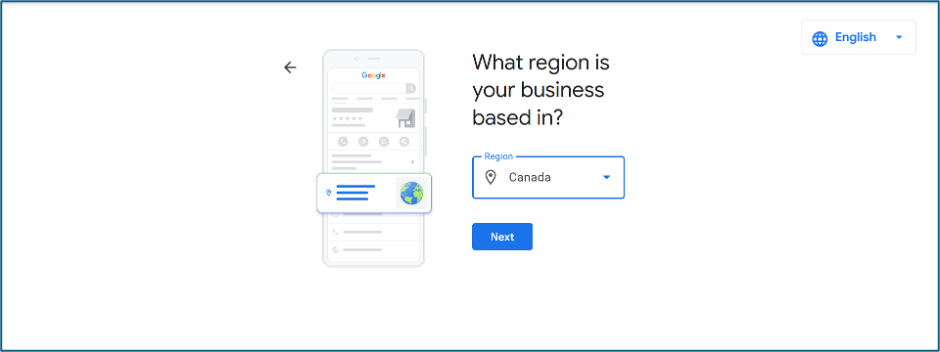
Add Your Business Location
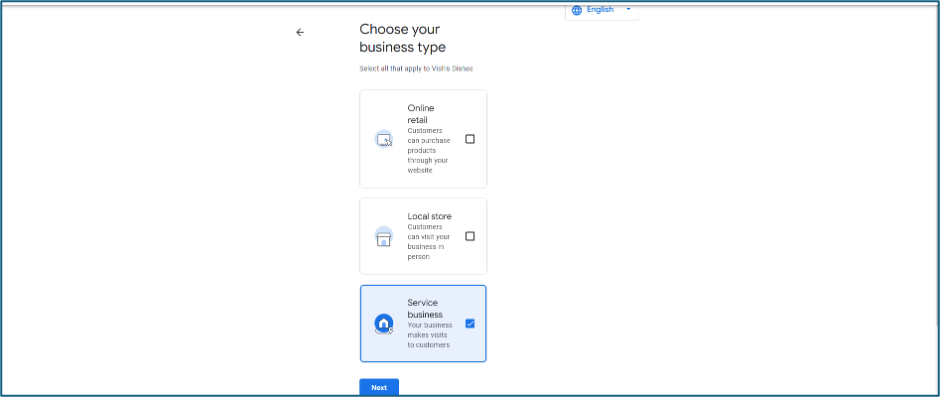
- If customers visit your location (e.g., a store or office), enter your business address.
- If you offer services in a specific area (e.g., plumbing or delivery), select “I deliver goods and services” and add the areas you serve.
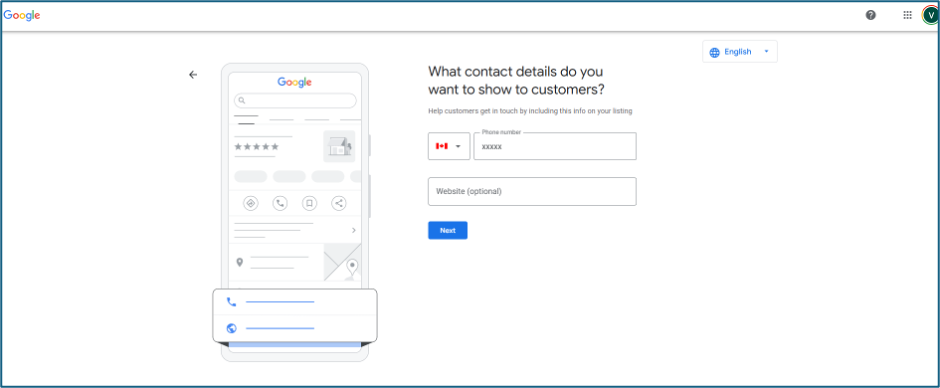
Add Contact Details
Enter your phone number and website link so customers can reach you easily.
Verify Your Business
Google needs to make sure your business is real. They’ll send you a postcard with a code to your address. Once you get the postcard, log in and enter the code to verify your business.
Complete Your Profile
After verification, add more details like:
- Business hours
- Photos of your shop, products, or services
- A short description of your business
And voilà—your business is officially on the map!
Once your profile is set up, your business will start appearing on Google Maps and in search results. Keep it updated to attract more customers!
How does the verification work?
The verification process helps Google confirm your business is real. Here is how it works:
- Postcard Verification:
- Google will send a postcard with a code to your business address.
- It may take a few days to arrive.
- Enter the Code:
- When you get the postcard, log in to your Google Business Profile.
- Enter the code from the postcard to verify your business.
- Other Methods (if available):
- Phone: You may get a code by phone call.
- Email: Some businesses can verify by email.
- Instant: If you use Google Search Console, you may get instant verification.
- Video: Sometimes, Google may ask for a video call to confirm your business.
Once verified, your business will appear on Google Maps and in search results.
If you own a small business and wondering how google business profile works. Team JBC is here for you! Keep a lookout for our free webinars updates on our social media and follow us on Eventbrite for more upcoming webinars. Or simply book a free 15-minute consultation and let us make all your social media blues go away!
*The food delivery service mentioned in the blog post is just an example